How to Redeem Roll to Looksmax Codes
Open the game, tap CODES in the left-hand menu, type the code in capitals and press REDEEM. The steps below show where each button sits and how to fix the four common errors.
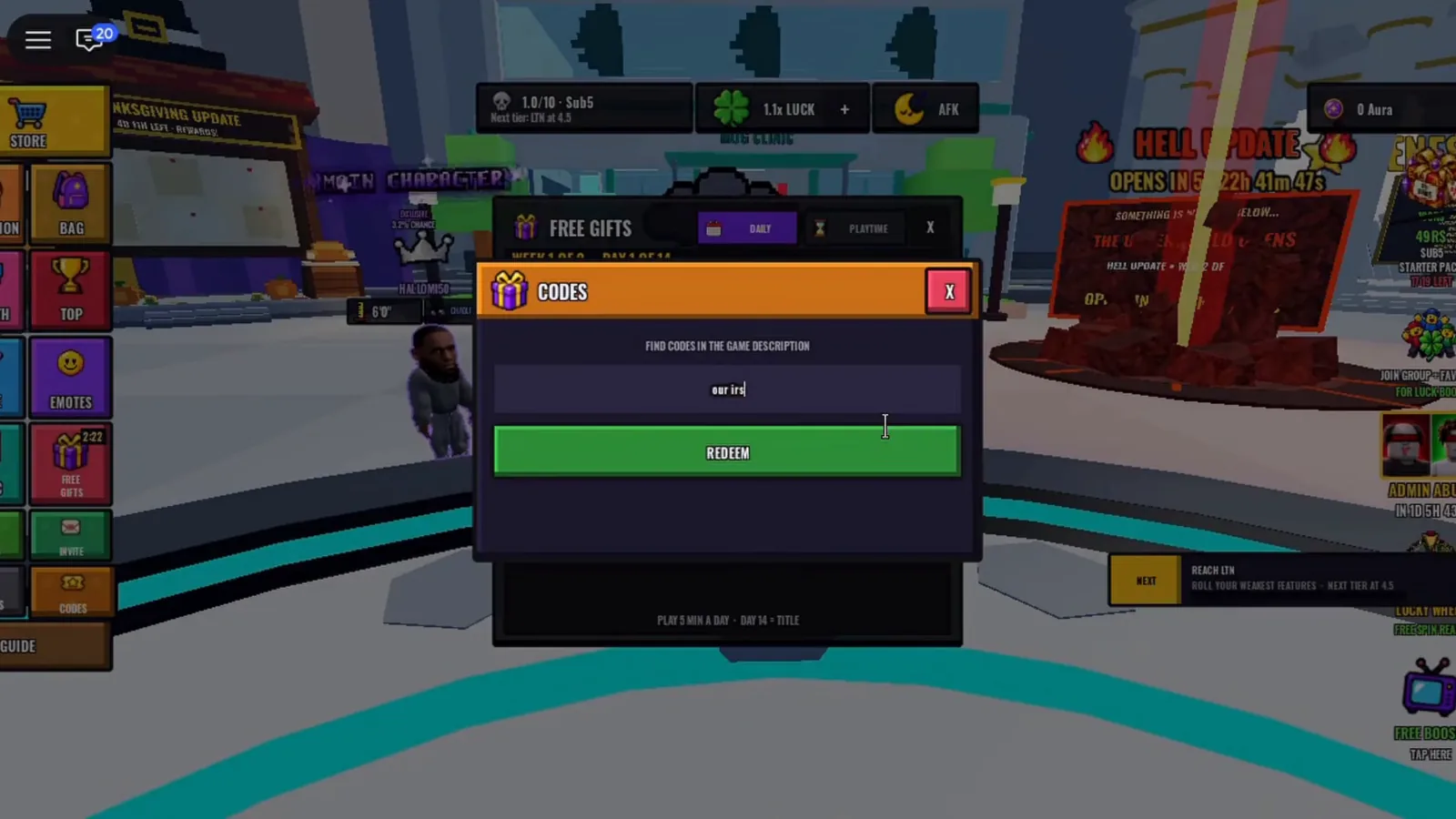
Redeem a Roll to Looksmax code
- Launch ROLL TO LOOKSMAX from its Roblox page and wait for the plaza and the HUD to load.
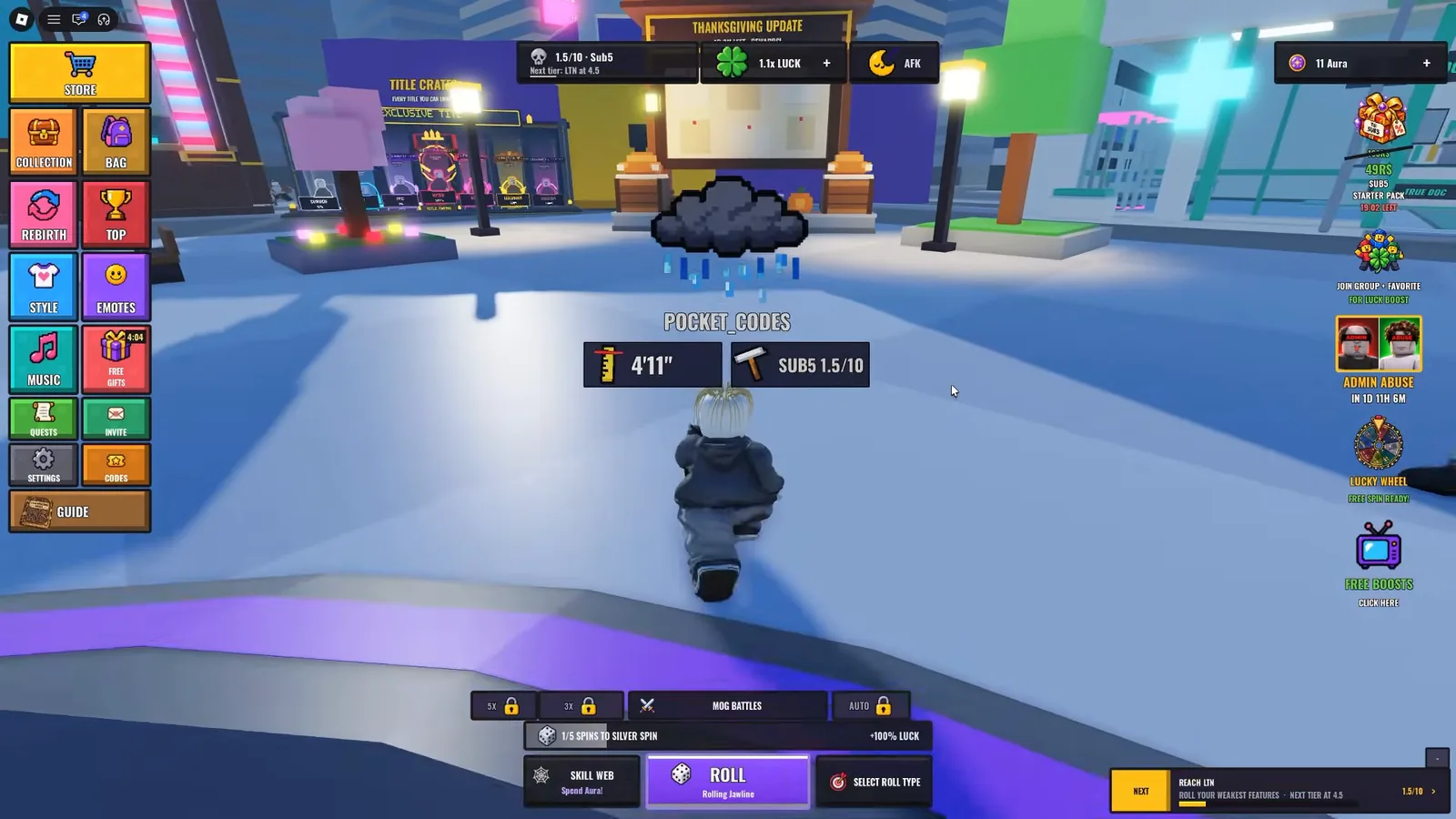
- Look at the column of square buttons on the left (STORE, COLLECTION, BAG, REBIRTH and so on). Tap the orange CODES tile near the bottom of it.
- If you cannot see that tile, tap SETTINGS (the gear, next to CODES) and open CODES from there; the game description words the path as "open SETTINGS, then tap CODES".
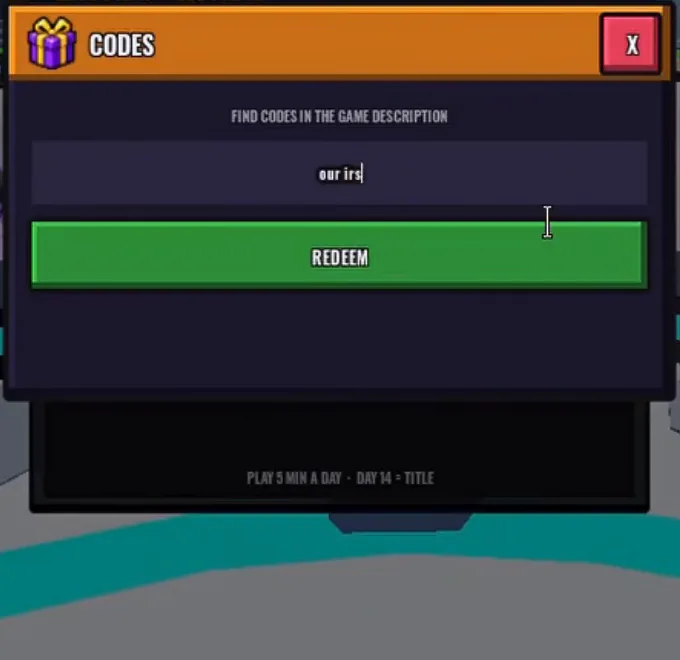
- A window titled CODES opens with the line "find codes in the game description" and a text box. Type or paste one code.
- Press the green REDEEM button. Aura lands in the counter at the top right; crates and potions are items, so look in the BAG tile of the same menu.
- Repeat for each code in the active list. Join the MOGGY! community before you try
GROUPGANG.
Left menu or settings: which is right?
Both. In the recordings the left menu holds two neighbouring tiles, SETTINGS and CODES. Roblox Den, GameRant, Pocket-Codes and Nisu all describe the CODES tile on the left; the game description sends you through SETTINGS. On a phone the left menu is smaller, so the settings route can be the easier one to find.
When a code does not work
| What happens | Likely cause | Fix |
|---|---|---|
| Code rejected straight away | Typo, lower-case letters or a trailing space | Copy it from the table with the Copy button and paste it. |
| Code rejected, spelling is right | The code has ended | Check expired codes; RELEASE ended on 27 Nov. |
| "Already redeemed" | Each code works once per account | Nothing to fix; the reward is already in your Bag or Aura total. |
GROUPGANG fails | You are not in the MOGGY! community | Join it on Roblox (how), then redeem again. |
| Nothing happens on REDEEM | The window did not register the tap | Close the window, reopen CODES and try once more. |
Small things that save a retry
- Redeem event codes first.
GOBBLEGOBBLEandBLACKFRIDAYhave end dates with no time of day. - A free wheel spin from MOGGED is used from the LUCKY WHEEL icon on the right side of the HUD, which reads "free spin ready" when one is waiting.
- Use the Luck Potion just before a long roll session, not while you are idle in the plaza.
- Codes are shared per account, not per server, so hopping servers does not give a second claim.
Video: every code typed in, start to finish
GameWala opens the CODES window from the left menu and types each code in turn. The first frames show the full HUD; the rest is the window you will use.
GameWala · 2026-11-26 · 2:40 · 192 views
Frequently asked questions
Where is the codes button in Roll to Looksmax?
Why does my Roll to Looksmax code say invalid?
Do I need to be in a group to redeem codes?
Can I redeem codes on mobile?
Keep going


Sources
- Roblox game page: [👑] ROLL TO LOOKSMAX — description, code list, store tab, badges and event cards; read 28 Nov 2026, 15:30–16:02 UTC
- YouTube: GameWala codes video (26 Nov 2026) — CODES window, FREE GIFTS panel; watched 28 Nov 2026
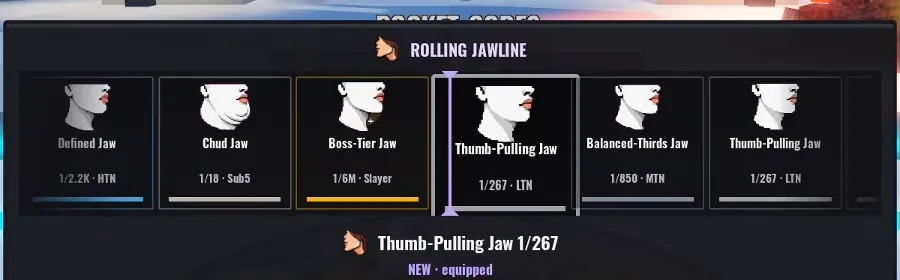
- YouTube: POCKET-CODES gameplay clip (27 Nov 2026) — HUD, jawline reel, Thanksgiving panel and codes window; watched 28 Nov 2026
- Roblox Den: Roll to Looksmax codes — eight codes marked active including RELEASE; read 28 Nov 2026, 16:11 UTC
- GameRant: Roll to Looksmax codes — article dated 26 Nov 2026, five codes; read 28 Nov 2026
- Pocket-Codes: Roll to Looksmax codes — updated 27 Nov 2026, five codes; read 28 Nov 2026
- Nisu: Roll to Looksmax guide — RELEASE ends 27 Nov, no cutoff time; read 28 Nov 2026
Sources checked 29 Nov 2026, 00:21 UTC (UTC). How we check: editorial policy.
Last updated: · RollToLooksmax.org editors